
Standing Desk Guide: How Long Should You Stand?
There is no proven perfect split between sitting and standing. Here is the expert guidance, what the trials show, and a build-up plan you can adjust.
Short answer: there is no proven ideal number. The best-known expert guidance, from an international group writing for employers in 2015, says desk workers should work up to 2 hours a day of standing and light activity during work hours, and later aim for 4 hours. The more useful habit is changing position often: stand for part of the day, take short breaks, and move. A standing desk is a tool for that, not a fix in itself.
I’m not a doctor, and nothing here is medical advice. This is a summary of published guidance and research, and I note where the evidence is thin.
Key takeaways
- The 2015 expert statement recommends building up to 2 hours a day of standing and light activity at work, then 4 hours, and says this should be broken up through the day (Buckley et al., 2015).
- Those recommendations come from mostly observational and short-term studies, and the authors say longer trials are needed (Buckley et al., 2015).
- Sit-stand desks seem to cut workplace sitting by about 84 to 116 minutes a day, but the evidence is low quality and the effect is likely to fade over time (Cochrane review).
- OSHA says that even a good posture held still for long is not healthy, so change position often, standing included (OSHA).
So how long should you stand?
The most specific figure comes from Buckley and colleagues, an international expert group asked to give employers guidance on avoiding long stretches of desk work. For mostly desk-based jobs they advise workers to first aim to accumulate 2 hours a day of standing and light activity (such as light walking) during working hours, eventually progressing to 4 hours a day, prorated for part-time hours. They suggest getting there by regularly breaking up seated work with standing work, sit-stand desks, or short active standing breaks (Buckley et al., 2015).
Two things to hold in mind. First, the 2 and 4 hours include light activity such as walking, not just standing still. Second, the authors say their recommendations should be read in light of the evidence behind them, which is largely observational and retrospective studies or short-term studies that show acute changes in cardiometabolic markers. They note longer-term intervention studies are still required (Buckley et al., 2015). So treat 2 to 4 hours as a sensible target, not a proven dose.
What the trials show
A Cochrane review pooled 34 studies with 3,397 employees from high-income countries, looking at ways to cut sitting at work (searches ran to August 2017). It found that sit-stand desks seem to reduce workplace sitting by an average of 84 to 116 minutes a day, and also seem to reduce the length of sitting bouts of 30 minutes or more. The reviewers rate the overall evidence low to very low quality, and say the effect is likely to shrink over time (Cochrane).
Two more findings are useful if you don’t have a sit-stand desk:
- Short breaks work. Taking short breaks (1 to 2 minutes every half hour) seemed to reduce sitting by 15 to 66 minutes a day more than two 15-minute breaks across the day (Cochrane).
- Prompts help a bit. Computer prompts combined with information reduced sitting by 14 to 96 minutes a day in the medium term (3 to 12 months). One study found prompts to stand cut sitting more than prompts to step (Cochrane).
What the review does not tell you is whether less sitting at work improves health outcomes for you. It measured sitting time. Cochrane describes long periods of sitting as something that “may increase the risk of obesity, heart disease, and premature death”, while also saying it is unclear whether workplace interventions to reduce sitting are effective (Cochrane).
A simple way to build up
This plan is my own reading of the guidance, not a prescribed schedule. Adjust it to how your body responds.
- Start small. Stand for part of the day, such as one phone call or one meeting. OSHA lists computing, reading, phone and meetings as tasks you can do standing (OSHA).
- Switch often. HSE says short, frequent breaks beat long ones, with “5 to 10 minutes every hour” given as an example, and breaks should let you get up, move around, or at least stretch and change posture (HSE). Standing at the desk can be one of those changes of position.
- Add breaks, not just standing. Cochrane found 1 to 2 minute breaks every half hour cut sitting more than two long breaks. Pair a stand with a short walk or stretch.
- Work toward the target. If standing and light activity add up to about 2 hours across the workday after a few weeks, you have reached the first Buckley milestone. Going to 4 hours is a later step.
- Back off if it hurts. I found no source giving a safe upper limit for standing, so use discomfort as your signal. If standing makes your legs, feet or back sore, shorten the stretches and ask a clinician if it persists.
Set up the desk for standing
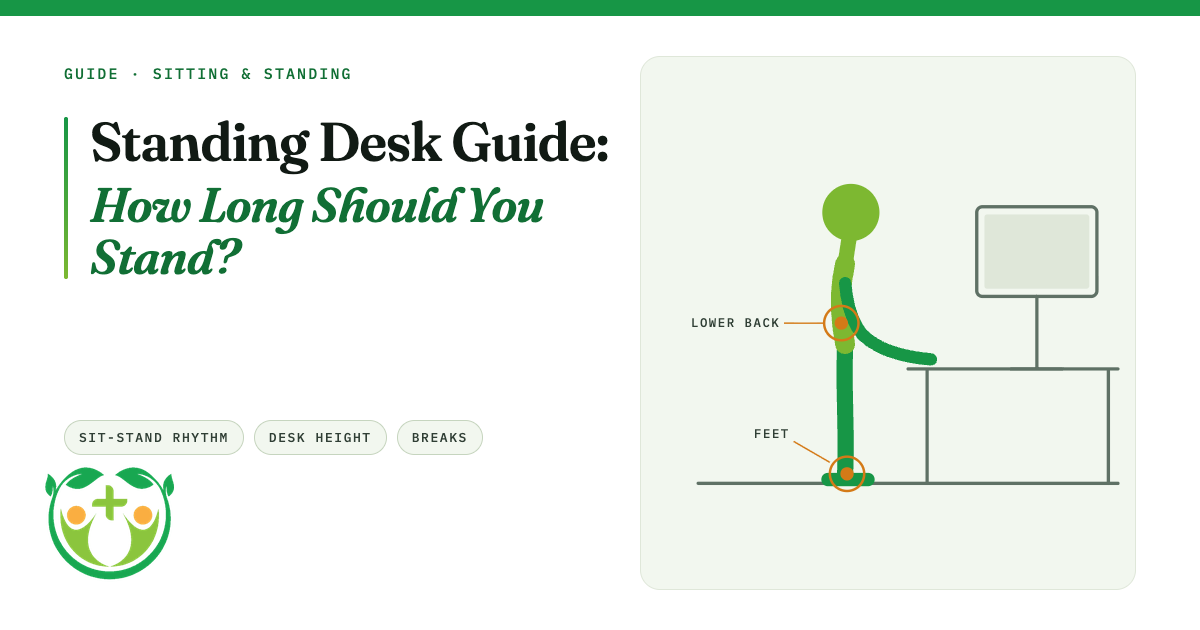
Standing at a badly set desk swaps one awkward posture for another. OSHA’s neutral standing posture is legs, torso, neck and head approximately in line and vertical, feet slightly apart, and the user may raise one foot on a rest (OSHA). Its general neutral checklist applies standing too: wrists straight and roughly parallel to the floor, shoulders relaxed, elbows close to the body and bent between 90 and 120 degrees (OSHA).
- Keyboard at elbow height. OSHA says elbows should be about the same height as the keyboard, with relaxed shoulders and wrists that don’t bend up, down or sideways (OSHA). If you raise the desk and your wrists bend up, lower it.
- Monitor straight ahead and at least 20 inches away. OSHA gives this distance in its desk guidance (OSHA). Raise the monitor when you raise the desk.
- Mind the hard edge. Hard desk edges can press on your arm or wrist and cause tingling. Pad the edge or use a wrist rest (OSHA).
- Feet supported. OSHA’s neutral posture includes feet fully supported by the floor or a footrest (OSHA). If standing on a hard floor feels harsh, a mat is a common fix, though I did not find a trial showing it prevents pain.
What standing will not do
- It is not a cure for desk pain. Neither OSHA nor Cochrane claims standing treats back, neck or wrist pain. OSHA’s message is to vary posture and keep the setup neutral.
- It is not a replacement for movement. Cochrane’s best-supported finding is that more sit-stand changes and short breaks reduce sitting time. Standing still for hours is a different thing and has not been shown to be better.
- It may not last. The Cochrane authors say the desk effect is likely to reduce with time, so keep prompts and breaks as backup.
When to see a doctor
See a GP or doctor if you get ongoing pain in your back, legs or feet, swelling in your legs, or new numbness or tingling that doesn’t settle. The NHS says in many areas you can refer yourself to community musculoskeletal (MSK) services, such as physiotherapy, without a GP referral (NHS). If you have a condition that affects your circulation, balance or joints, ask your clinician before changing how much you stand.
Quick recap
- Aim to build up to about 2 hours a day of standing and light activity at work, then up to 4. That is expert guidance, not proven.
- Change position and take short breaks often. Don’t stand still for hours.
- Keyboard at elbow height, monitor straight ahead and at least 20 inches away.
- Sore legs or back: shorten the stretches.
- Pain or tingling that persists: get it checked.
Related on Nerdz Health: Why you should improve your posture · 11 ways to stay healthy when you sit at a desk all day · The 10-minute desk reset routine · All Guides · How we research
Sources (7)
- Buckley JP, Hedge A, Yates T, et al. The sedentary office: an expert statement on the growing case for change towards better health and productivity. Br J Sports Med 2015;49(21):1357-1362. https://pubmed.ncbi.nlm.nih.gov/26034192/ (abstract read via Europe PMC, 16 Nov 2026)
- Cochrane, Workplace interventions (methods) for reducing time spent sitting at work (CD010912; searches to Aug 2017). https://www.cochrane.org/evidence/CD010912_workplace-interventions-methods-reducing-time-spent-sitting-work (read 16 Nov 2026)
- OSHA, Computer Workstations eTool: Good Working Positions. https://www.osha.gov/etools/computer-workstations/positions (read 16 Nov 2026)
- OSHA, Computer Workstations eTool: Keyboards. https://www.osha.gov/etools/computer-workstations/components/keyboards (read 16 Nov 2026)
- OSHA, Computer Workstations eTool: Desks. https://www.osha.gov/etools/computer-workstations/components/desks (read 16 Nov 2026)
- HSE, Work routine and breaks. https://www.hse.gov.uk/msd/dse/work-routine.htm (read 16 Nov 2026)
- NHS, Repetitive strain injury (RSI), for the MSK self-referral note. https://www.nhs.uk/conditions/repetitive-strain-injury-rsi/ (read 16 Nov 2026)